Buy a monitor LTV MCL-2216: camera layout and viewing the archive at the post
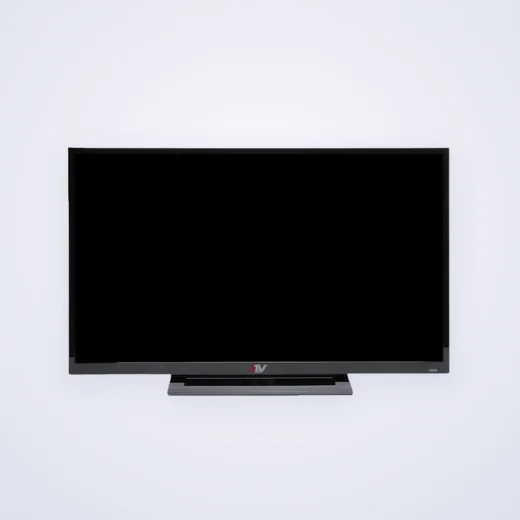
Photo model from our catalog. configuration and the set of the proposed delivery are agreed separately.
Request the price and kit of the LTV MCL-2216The monitor at the video surveillance post is selected by what the operator should see and do. Simultaneously observe several cameras, examine one event large and find a record of different tasks. The LTV MCL-2216 can be included in the request for workplace equipment by describing the source of the image and the desired viewing modes in advance.
Number of cameras in the system and on one screen
Write down how many cameras are installed and how many need to be seen at the same time. In a large set of small windows, details become less noticeable. Therefore, it is useful to determine when the operator moves to the large image and how it returns to the overall view.
Do not compare monitors diagonally. Important are the location of the screen, the distance to the person, the size of the displayed elements and the capabilities of the program or registrar. The same layout can be convenient in one workplace and uncomfortable in another.
Three tasks of the operator
| Mode | What to describe | What to check in the project |
|---|---|---|
| Overview | Number of simultaneously visible cameras | Distinction of necessary events and signatures |
| Big view. | Choosing a single camera or event | Switching and display convenience |
| Viewing the archive | Search and reproduction | Record source, program interface and management |
Video source and monitor are separately indicated
In the official standard design, the LTV MCL-2216 is included in the system along with the DVR and other devices. The monitor shows the incoming image; the record storage and search functions are determined by the selected source and program. Purchasing a new screen does not add an archive to the system.
For the application, send the model of the registrar or computer, the video output used and the display requirements. The inputs of the proposed monitor, the desired cable and signal mode are checked according to documentation. The name of the program does not replace the information about the physical output of the device.
Workplace and Preserving Old Connection
Photograph the installed screen, its connectors, the working surface and the place of attachment. If cables are retained, specify their types and lengths. Do not promise a direct replacement only for a similar case: the compatibility of the video signal and mounts is checked separately.
For multiple posts, add layout schemes if conditions vary. A single matched security monitor does not prove the convenience of the same solution for the archive viewing workstation. General source models can be listed once, and local lines and anchorages can be listed in separate rows.
How to Take a Ready Workplace
Agree to check the overall review, large image, signatures and playback control. Separately, specify who configures the program or registrar. The quotation should include the monitor itself, cables, power supply, mounting and required work if they are included in the order.
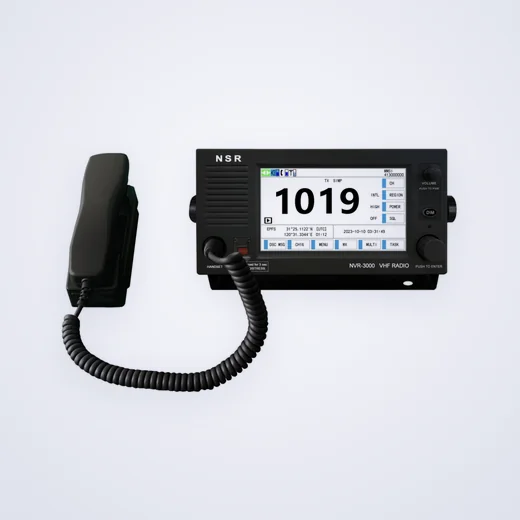
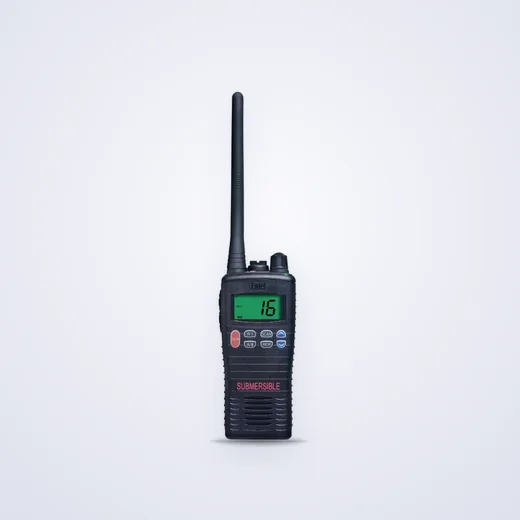
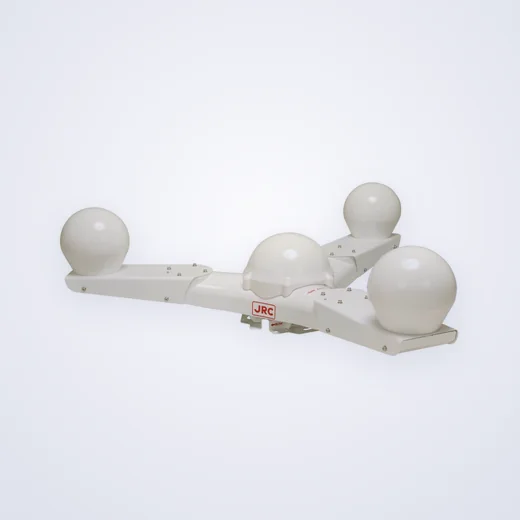
The main product LTV MCL-2216 must be listed first at the bottom. radio and navigation device nearby - independent products of our catalog, not accessories to the monitor. They can be requested in separate lines if you purchase equipment for several tasks.
Buy a video surveillance monitor in your city
To buy LTV MCL-2216 in Moscow, St. Petersburg, Yekaterinburg, Novosibirsk, Omsk or Krasnoyarsk, specify the source of the video and the city of receipt. For Almaty, Astana, Karaganda and Pavlodar add the country and details. The price, availability and term will be confirmed by the agreed order.
Primary sources: Model project HOT LTV for the educational building. Applicability of documentation is confirmed for the proposed configuration.
Questions before buying
Buying a monitor will add an archive to the video system?
The recording and search functions depend on the registrar or the computer and the program. The monitor is used to display.
What is the name of the LTV MCL-2216?
Source model, video output, necessary layouts, operator location, cable line and mounting.
Why isn’t the number of cameras equal to the size of the screen?
For the workplace, simultaneously visible windows, the size of parts and the order of transition to a large image are important.
Main product and related items
The main product from the technical guide is listed first. Related items are discussed separately; compatibility and kit contents are confirmed on assignment and documentation.